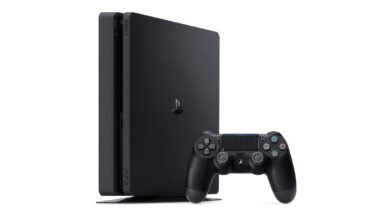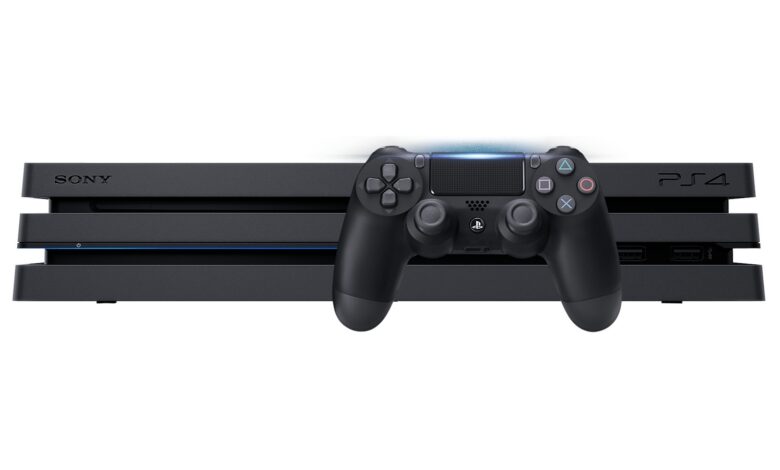
To set up a PS4, connect it to your screen with an HDMI cable, plug in the power, connect a controller with its USB cable, then follow the on-screen setup. Sony’s setup page starts with “Insert one end of the HDMI cable into the HDMI OUT port on the back of your PS4® console.”
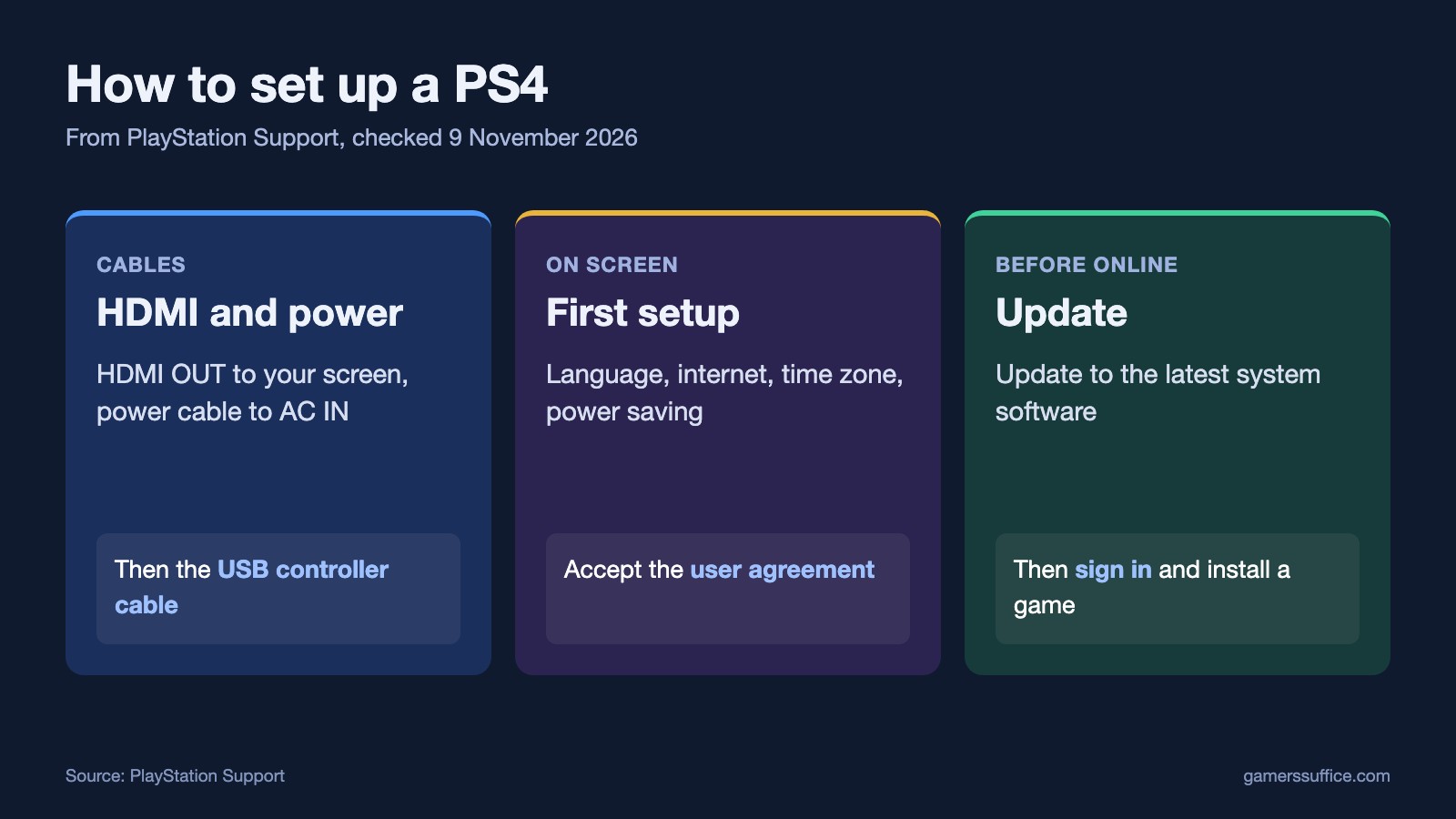
Step 1: Connect the cables
- Connect the console’s HDMI OUT port to your screen. Sony’s next line is “Insert the other end of the HDMI cable into the HDMI port on your screen.”
- “Insert the power cable into the AC IN port on the back of your PS4 console.”
- “Safely insert the power plug into the power outlet.”
If the picture doesn’t appear, Sony says “If you’re having trouble connecting your PS4 console to the screen, visit PlayStation Repairs”.
Step 2: Connect the controller
Sony’s pairing step is “Connect the controller to your console using the included USB cable.” Then press the PS button if the controller is off.
Step 3: Follow the on-screen setup
Sony says “After turning on your PS4 console for the first time, follow the on-screen instructions to:”
- Connect your controller.
- Select your language.
- Set up your internet connection. Sony’s setup list includes that step.
- Connect the PlayStation Camera. If you don’t have one, Sony says “Select Skip to set it up later.”
- Set the time zone, date and time.
- Configure power saving settings.
- “Read and accept the user agreement.”
With a wired connection, there’s less to do. Sony says “If you’ve connected your PS4 console to the internet successfully using an ethernet cable, you automatically proceed to the next step.”
Step 4: Update the system software
Don’t skip this. Sony says “Before you can access any online features on your PS4 console, you need to update the system software to its latest version.” It also says “System software updates begin downloading automatically as soon as they’re available”.
Step 5: Sign in
Use your existing PlayStation account, or make one on the console. Sony says “If you’re new to PlayStation, you can use your PS4 console to create an account.”
Step 6: Install a game
You can download games from PlayStation Store or use a disc. For a disc, Sony says “Insert the game disc. The game will install automatically.” It also notes that “you will need to insert the game disc when playing the game.”
For online play, Sony says “Some games require a PlayStation®Plus subscription to access online multiplayer.”
If you plan to watch films on it too, see whether you can play DVDs on a PS4. Hold on to the box as well, since it’s one of the places Sony says to find your PS4 serial number. More guides are in our Console section.
Sources