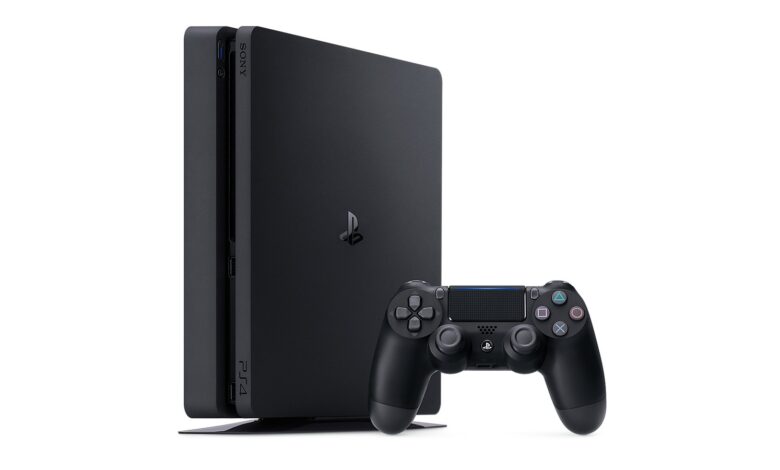
Your PS4 serial number is on the console itself and on its original box. Sony says “The PlayStation 4 model and serial numbers can be found on the PS4’s original packaging and the back of the PS4 system.” Where it sits on the console depends on your model, and on two of the three groups you have to turn the console over to see it.
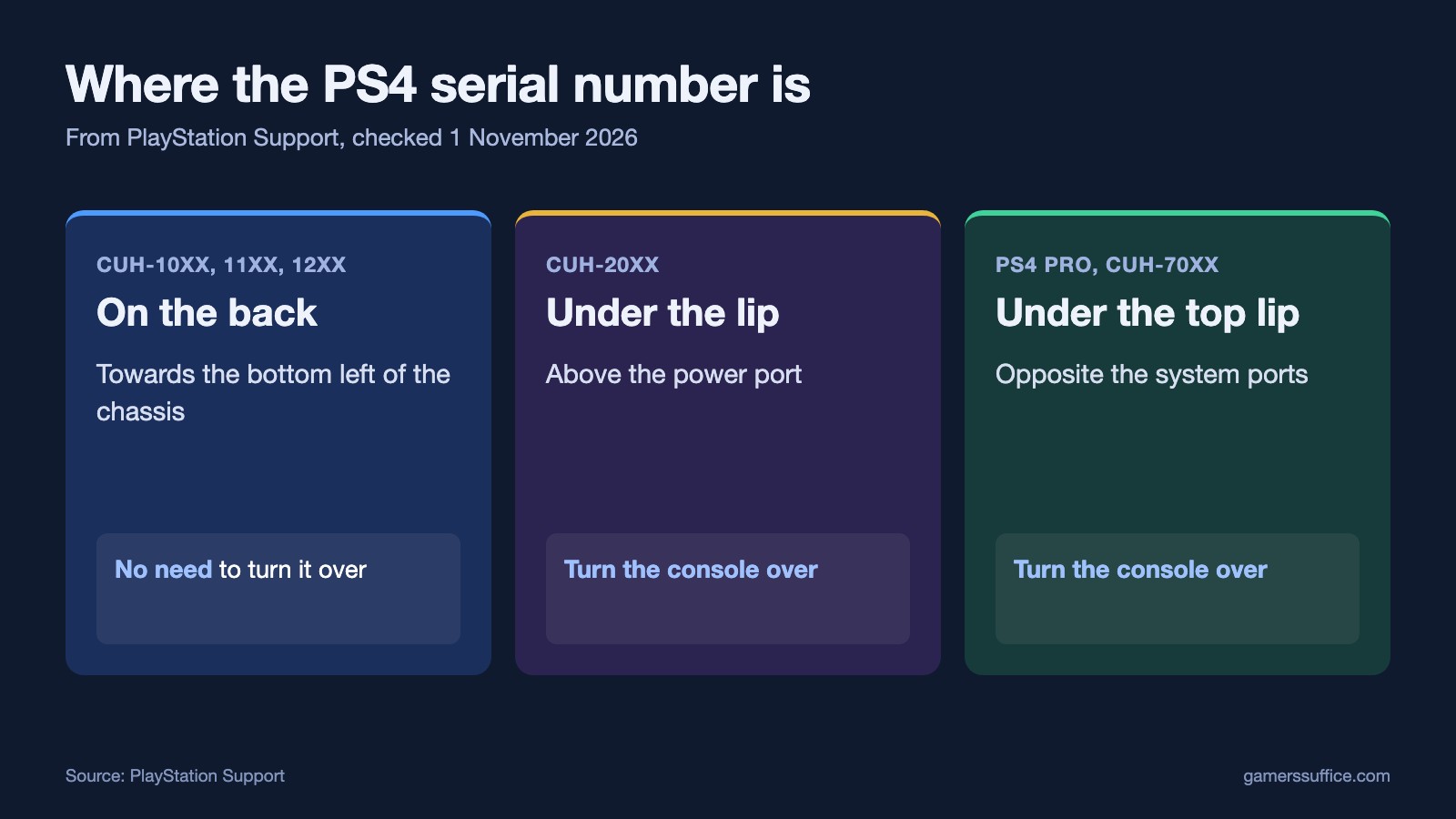
Where to look, by model
| Model group | Serial number | Model number |
|---|---|---|
| CUH-10xx, 11xx, 12xx | Back of the system, bottom left of the chassis | Back of the system, towards the bottom |
| CUH-20xx | Under the lip above the power port | On the spine, right of the power port |
| PS4 Pro, CUH-70xx | Under the top lip, opposite the system ports | On the spine, above the system ports |
CUH-10xx, CUH-11xx and CUH-12xx
“The serial number is comprised of 11 characters and is located on the back of the system, towards the bottom left of the chassis.” For the model number, Sony says “The model number is located on the back of the system, towards the bottom of the chassis.”
CUH-20xx
“The serial number is comprised of 11 numbers and is located underneath the lip above the power port.” Sony adds “Turning the system over is necessary to view this number.” The model number is easier to see: “The model number is located on the spine of the system, to the right of the power port.”
PS4 Pro
Sony’s heading for this group is “PS4 Pro console models CUH-70xx”. It says “The serial number is comprised of 11 numbers and is located underneath the top lip, opposite the system ports.” You need to turn this one over too. The model number is simpler: “The model number is located on the spine of the system, above the system ports.”
Don’t know your model?
Look for the model number first. Sony describes the format this way: “The model number consists of the letters CUH, followed by four numbers and a letter.” The first two digits tell you which row of the table to use.
Can you find it in Settings?
Several videos say the serial number is shown in Settings. We couldn’t confirm that from Sony. On 1 November 2026, its page on checking your system software said to “Go to Settings > System > System Information”, and listed the menu’s other details as “console name, IP Address and MAC Address.” It didn’t mention a serial number. Sony’s serial number page doesn’t mention Settings either. It’s worth a look if your console is on, but the label on the console is the location Sony documents.
Why you might need it
Sony’s reason is customer support: “It is recommended that you have these numbers to hand when contacting PlayStation Support.” For a hardware fault, Sony’s PS4 support hub says “Please visit the PlayStation Repairs diagnostic tool for further steps and to arrange a repair.” If you’re troubleshooting a controller first, try Sony’s PS4 controller charging fixes.
More PS4 guides: playing PS3 games on a PS4 and playing DVDs on a PS4. More guides are in our Console section.
Sources