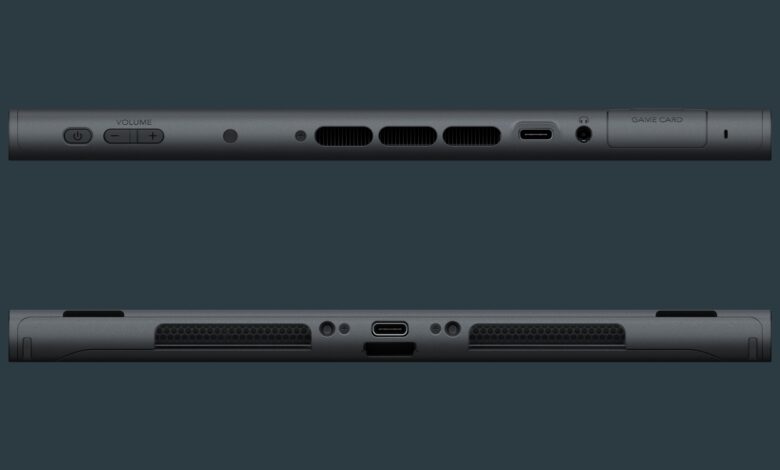
To delete an app on Nintendo Switch, go to System Settings > Data Management > Manage Software, pick the app and select Delete Software. On Switch 2 you can do the same from the HOME Menu with the + or – Button. Nintendo’s support pages call apps and games “software”, and they don’t list a separate route for apps. Deleting doesn’t touch your saves: Nintendo’s Switch 2 page says “Deleting the software will not delete your save data.”
If you only want the space back, archiving may suit you better. Here’s the difference.
How to delete software on Nintendo Switch
- Select System Settings on the HOME Menu.
- Scroll down and select Data Management.
- Select Manage Software, “then select the software you would like to manage or delete.”
- Select Delete Software.
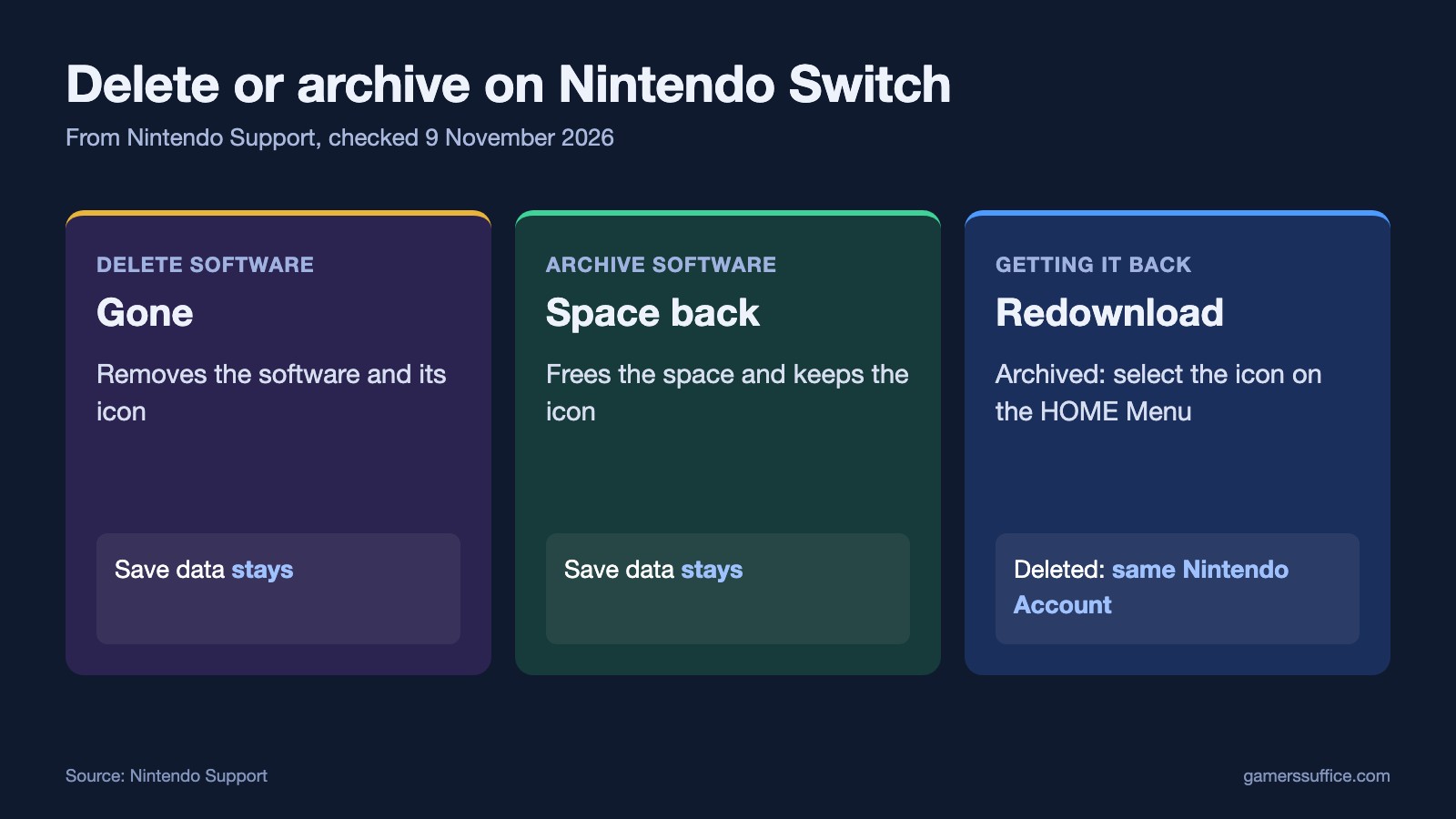
Nintendo says “The software and the icon will be deleted from the HOME Menu.” To get it back, “You can redownload it using the same Nintendo Account with which it was purchased.”
How to delete software on Nintendo Switch 2
- Find the software on the HOME Menu.
- Press the + or – Button to open the Software Options menu.
- Select Manage Software, then Delete Software.
- Nintendo’s last step is “Select Delete on the confirmation message.”
To remove several at once, go to System Settings, select Data Management, then Quick Delete. Nintendo says “Choose the software you want to delete from the list.”
Add-ons stay with the software. Nintendo says “You cannot delete DLC or Update data separately from the software.”
Delete or archive?
Archiving is Nintendo’s way of freeing space without losing the icon. It says “Downloadable software can be archived in order to free up space.”
- Getting it back: “Once archived, you can redownload the software by selecting the software icon on the HOME Menu.”
- Your saves: “Archiving software will not impact your save data.”
- To stop automatic archiving: Nintendo lists an option on the Manage Software screen: “Prevent Auto Archiving: The software will not be archived automatically.”
Deleted software can come back too. Nintendo’s Switch 2 page says “You can play deleted software again by redownloading it.”
Removing save data is a separate step
On Switch 2, it’s under System Settings > Data Management > Delete Save Data. Take care with the “all users” option. Nintendo says of it, “It will delete the save data for the software for all users.”
If you removed YouTube and want it back, here’s how to get YouTube on Nintendo Switch. Looking for something new to install? See what Nintendo offers for free. More guides are in our Console section.
Sources


