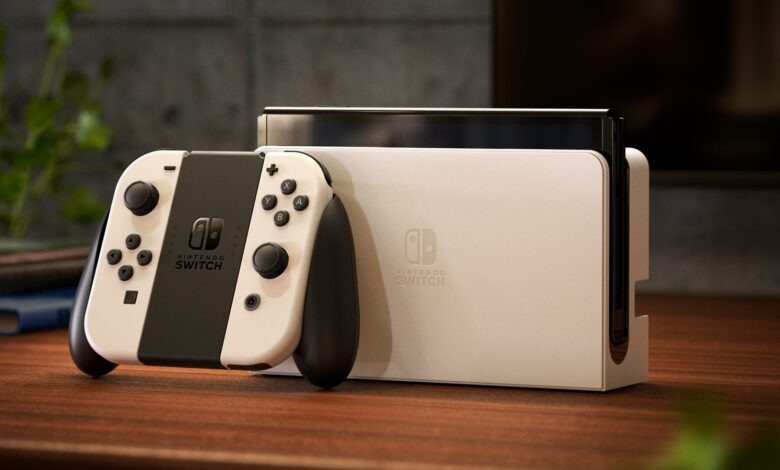
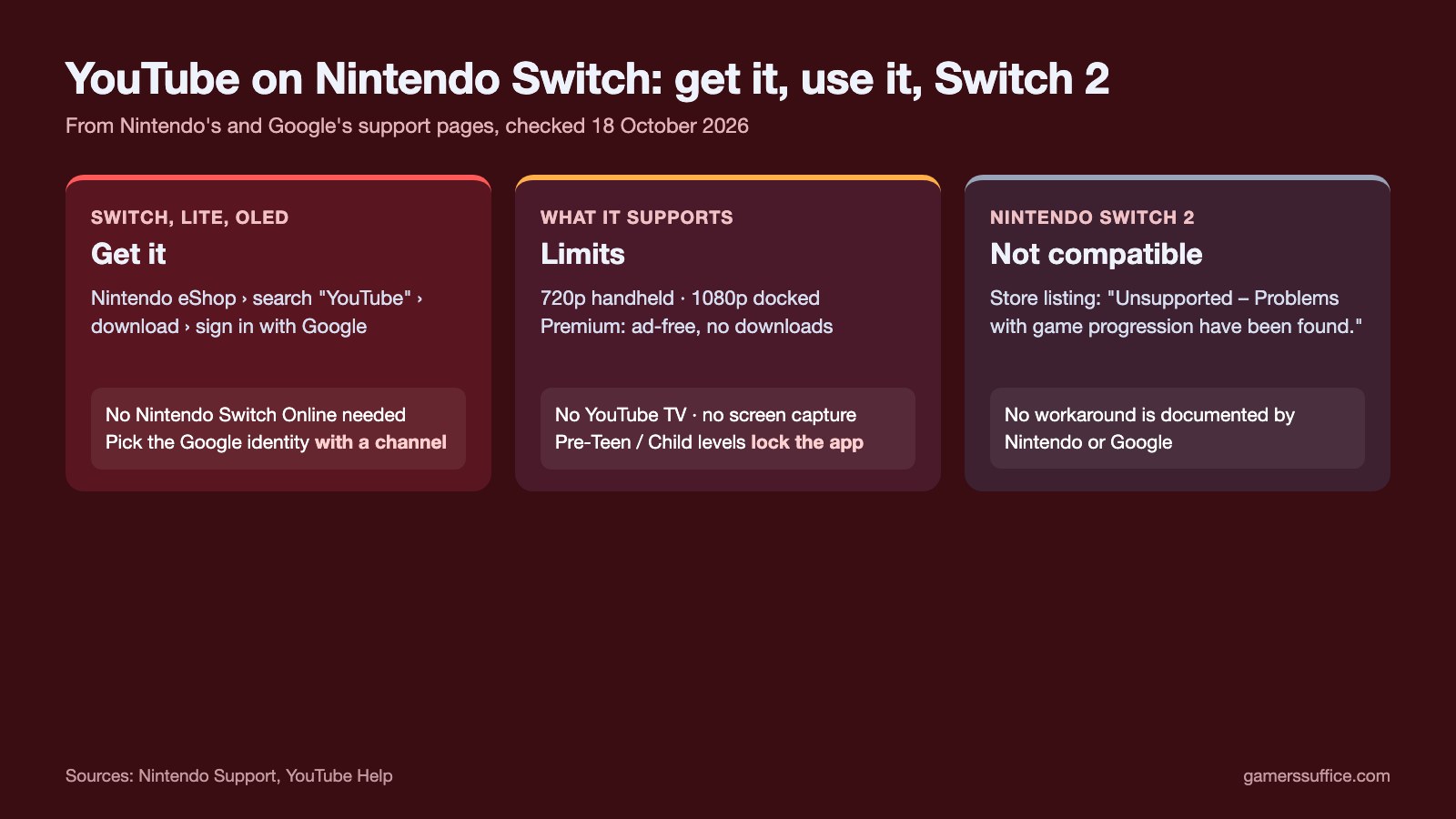
YouTube on Nintendo Switch is an app from the Nintendo eShop: search for YouTube, download it, open it from the HOME Menu and sign in with your Google Account. That works on Nintendo Switch, Switch Lite and the OLED Model.
It does not work on Nintendo Switch 2. Nintendo’s own support page says “The Nintendo Switch YouTube app is not compatible with Nintendo Switch 2.” A lot of the search results for this question are Switch 2 owners trading workarounds, so that part gets its own section below. Everything here comes from Nintendo’s and Google’s support pages, checked on 18 October 2026.
How to get YouTube on Nintendo Switch
- Open the Nintendo eShop. Nintendo says you can find the YouTube App in the Nintendo eShop by searching for YouTube.
- Download it. The listing names Google as the publisher.
- Open the YouTube application from the console’s HOME Menu.
- Select Sign in, then sign in with your Google Account. If you have more than one, Nintendo says to pick the one you use with YouTube.
Three things trip people up at this step:
- Pick the identity with a channel. After signing in you may see several Google identities. Nintendo’s warning: if you select an account that doesn’t have a YouTube channel, you won’t be able to sign in.
- The sign-in is shared. When the app opens, it asks which Nintendo Account to use. Nintendo says accounts that are logged into the YouTube app can be accessed via any Nintendo Account on the device. So on a shared console, the YouTube account you sign in with is open to everyone who uses that console.
- Not every country has it. Nintendo says the app is only available in select countries.
You don’t need a paid membership. Nintendo’s FAQ is direct on this: “Do I need the paid Nintendo Switch Online service to use the app? No.” An internet connection is all it needs. If the app won’t connect, our guide to Nintendo Switch Wi-Fi problems goes through Nintendo’s own connection fixes.
What the Switch app can and can’t do
| Feature | On Nintendo Switch |
|---|---|
| Video quality | Up to 720p in handheld mode, 1080p docked |
| YouTube Premium | Ad-free videos and YouTube originals; no background playback or downloads |
| Buying videos or movies | Not on the device; content you bought elsewhere shows in the Library tab |
| YouTube TV | Not available through this app |
| Screen capture | Not supported in the YouTube app |
| Live streaming your gameplay | Not possible directly from the Switch |
| Phone as a remote | Yes, through m.youtube.com, the YouTube for Android app or the YouTube iOS app |
To search, press X on the main menu. Google’s help page adds that, while typing, Y adds a space and B deletes a character. The Switch’s Capture Button doesn’t work inside the YouTube app. Our guide to screen recording on Nintendo Switch explains where it does work.
Parental controls: why the app may be locked
Nintendo says access to the app may be locked if Parental Controls are enabled, and its support page spells out the rule: for “Pre-Teen” and “Child” Restriction Levels, the YouTube app is locked. For “Teen” and “Not Restricted”, Nintendo says the app is unlocked.
To keep Parental Controls on but allow YouTube, Nintendo says to go to Custom Settings and then Restricted Software instead of picking one of the preset levels.
Nintendo Switch 2: the app isn’t supported
Nintendo’s store listing for the app carries a Nintendo Switch 2 compatibility note: “Unsupported – Problems with game progression have been found.” The support page says the same thing more plainly: the Switch YouTube app is not compatible with Switch 2.
Nintendo doesn’t give a YouTube-specific reason. Its general compatibility page says the Nintendo Switch 2 system’s hardware is different from Nintendo Switch, and some Nintendo Switch games may not be supported on or fully compatible with Nintendo Switch 2. For updates, Nintendo’s YouTube FAQ points Switch 2 owners to check Nintendo eShop on Nintendo Switch 2 or Nintendo Store for up-to-date compatibility information. As of 18 October 2026, the store listing still says Unsupported.
The “workarounds” passed around on Reddit and Facebook aren’t documented by Nintendo or Google, so we can’t tell you that any of them work or are safe. For what Switch 2 does officially support, see our Switch 2 specs and Direct recap.
More Nintendo guides are in our Console section.
Sources