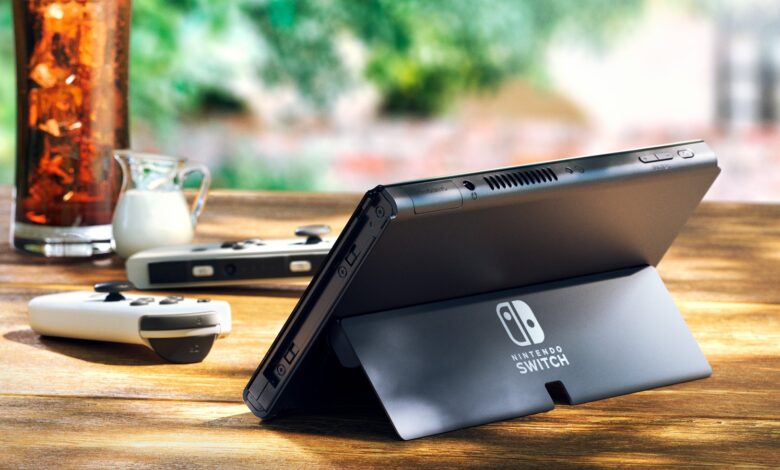
You can play 2 player on one Nintendo Switch if the game supports it and each player has a controller. A single pair of Joy-Con counts as two controllers, because each Joy-Con can be held sideways on its own. Nintendo calls that the solo horizontal grip. You can also play on two consoles, and on Switch 2 there’s GameShare, which lets a second console join a game you own.
Every step below comes from Nintendo’s own support pages. The rules differ between the original Switch and Switch 2, so we’ve split them out.
First, check the game
Local multiplayer depends on the game, not the console. Nintendo says “You can check the number of players supported by each software title and the required controllers on the back of the software package or via the Nintendo eShop.” Controller grips depend on the game too: Nintendo says the holding position in each game will depend on the single and multiplayer options for that software. Some games, for example, only let you use the Joy-Con in solo horizontal grip.
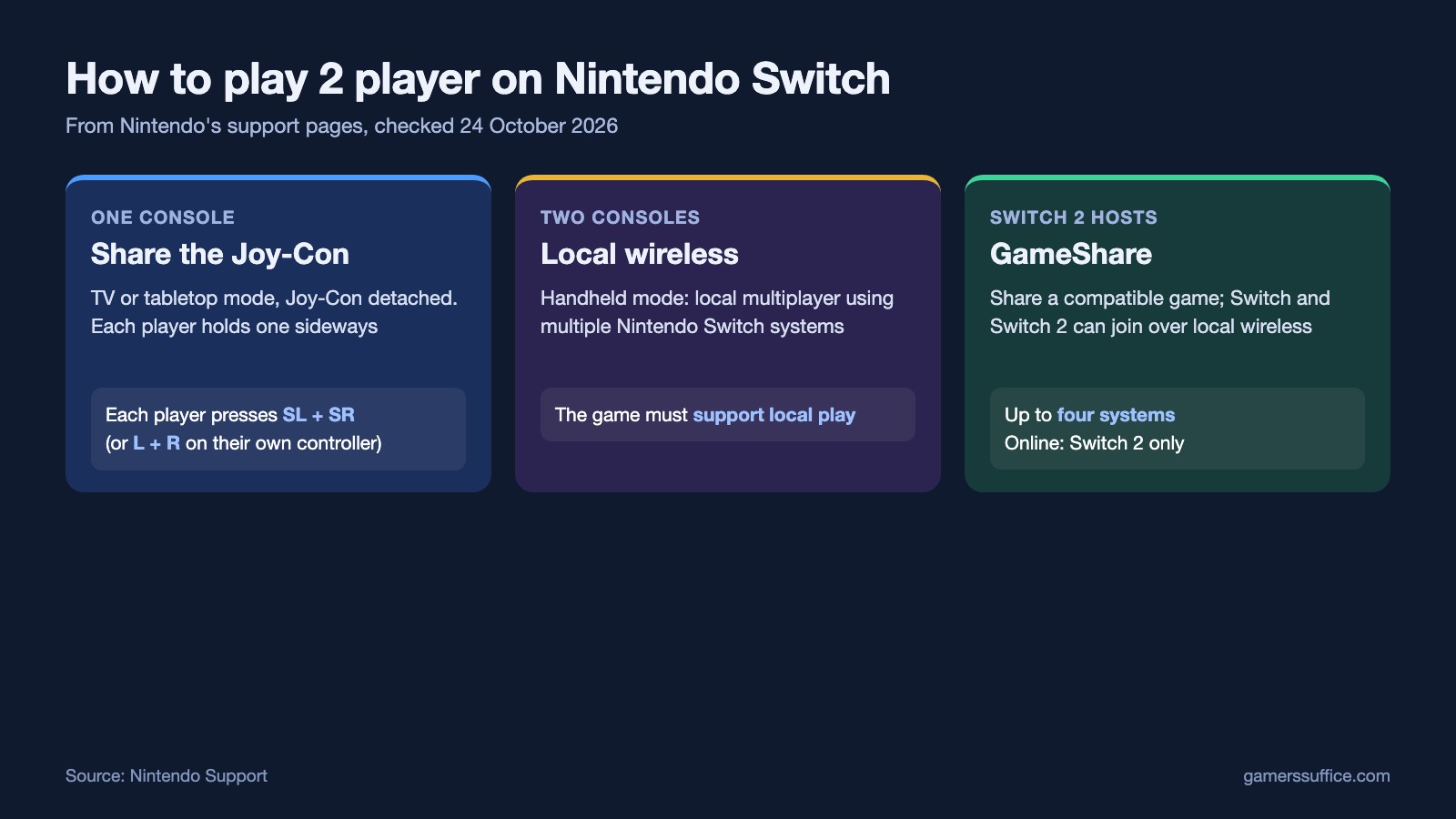
How to play 2 player on one Switch
On an original Switch or OLED Model, play in TV mode or tabletop mode. Nintendo says that to use the Joy-Con in TV mode, “they must be detached from the console.” Tabletop mode has the same rule. Note that Nintendo Switch Lite does not support TV mode.
- Start the game’s multiplayer mode. When the screen asks you to press L+R on the controller you want to use, each player connects in turn. Nintendo notes the connection method may vary depending on the software.
- Player one presses L and R together on their controller. To hold a single Joy-Con sideways, press SL and SR together instead.
- Player two does the same on their controller.
- Press the A Button on the first controller to go back to the game.
To change the controller order or grip later, go to the HOME Menu, then Controllers, and “Select Change Grip and Order”. Nintendo warns that any wireless controllers paired to the console will be temporarily disconnected while you’re on that screen.
The sideways grip doesn’t last. Nintendo says “If the console is powered off or set to sleep mode, the Joy-Con holding position will automatically revert back to dual-controller grip.” If a Joy-Con won’t respond at all, pairing is the next thing to check. Our guide to a Nintendo Switch controller that won’t connect goes through Nintendo’s steps.
What’s different on Switch 2
- Older Joy-Con don’t attach. Nintendo says “It is not possible to attach Joy-Con controllers to the Nintendo Switch 2 console.” Original Joy-Con still work as wireless controllers.
- More controllers. Nintendo’s Switch 2 guide says “Up to 8 controllers can be connected simultaneously, both wirelessly and wired.” How many people can actually play still depends on the game and mode.
- A limit on older controllers. “You can only wirelessly connect up to seven Nintendo Switch Joy-Cons and Nintendo Switch Pro Controllers to your Nintendo Switch 2.”
- The Joy-Con 2 grip counts as two controllers. So if there is one person using the Joy-Con 2 grip, only up to 7 people can play.
- Not every mode needs the Joy-Con 2 detached. Nintendo says if you’re using another controller, such as the Nintendo Switch 2 Pro Controller, the Joy-Con 2 don’t need to be detached.
Two consoles: local wireless play
If each of you has a console, games that support it can link them. In handheld mode, Nintendo says “you can enjoy single-player games using one system, or local multiplayer games using multiple Nintendo Switch systems.”
GameShare: one copy, two consoles (Switch 2 only to host)
GameShare lets a Switch 2 owner share a compatible game with someone on another console. Nintendo describes it as “a feature that allows Nintendo Switch 2 users to share compatible software and play together with users on another Nintendo Switch 2 system or Nintendo Switch system.” The rules:
- A Nintendo Switch 2 system is required to host a GameShare session.
- Over local wireless, users on a Nintendo Switch 2 system or Nintendo Switch system can join. Over the internet, only Switch 2 users can join.
- Up to four Nintendo Switch 2 or Nintendo Switch systems can take part in a session.
- Not all games support it. Nintendo says to check the game’s information on the Nintendo website.
- The game is streamed, and Nintendo says the image quality is reduced as a result.
One more limit if your friend is on an original Switch: Nintendo says it’s not possible to capture videos on a Nintendo Switch console while using GameShare. Our guide to screen recording on Nintendo Switch covers how capture works the rest of the time. For the Switch 2 hardware itself, see our recap of Nintendo Switch 2’s specs.
More Nintendo guides are in our Console section.
Sources
- Nintendo Support: Play Together on One Console (Nintendo Switch 2)
- Nintendo Support: How to Hold the Joy-Con (Single and Multiplayer)
- Nintendo Support: How to Pair Joy-Con Controllers
- Nintendo Support: Play Mode Options Overview on Nintendo Switch
- Nintendo Support: Play Mode Options on Nintendo Switch 2
- Nintendo Support: GameShare Overview and FAQ