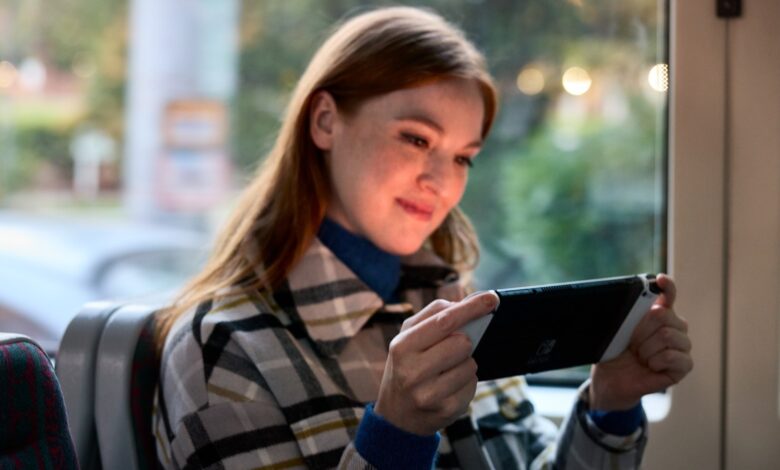
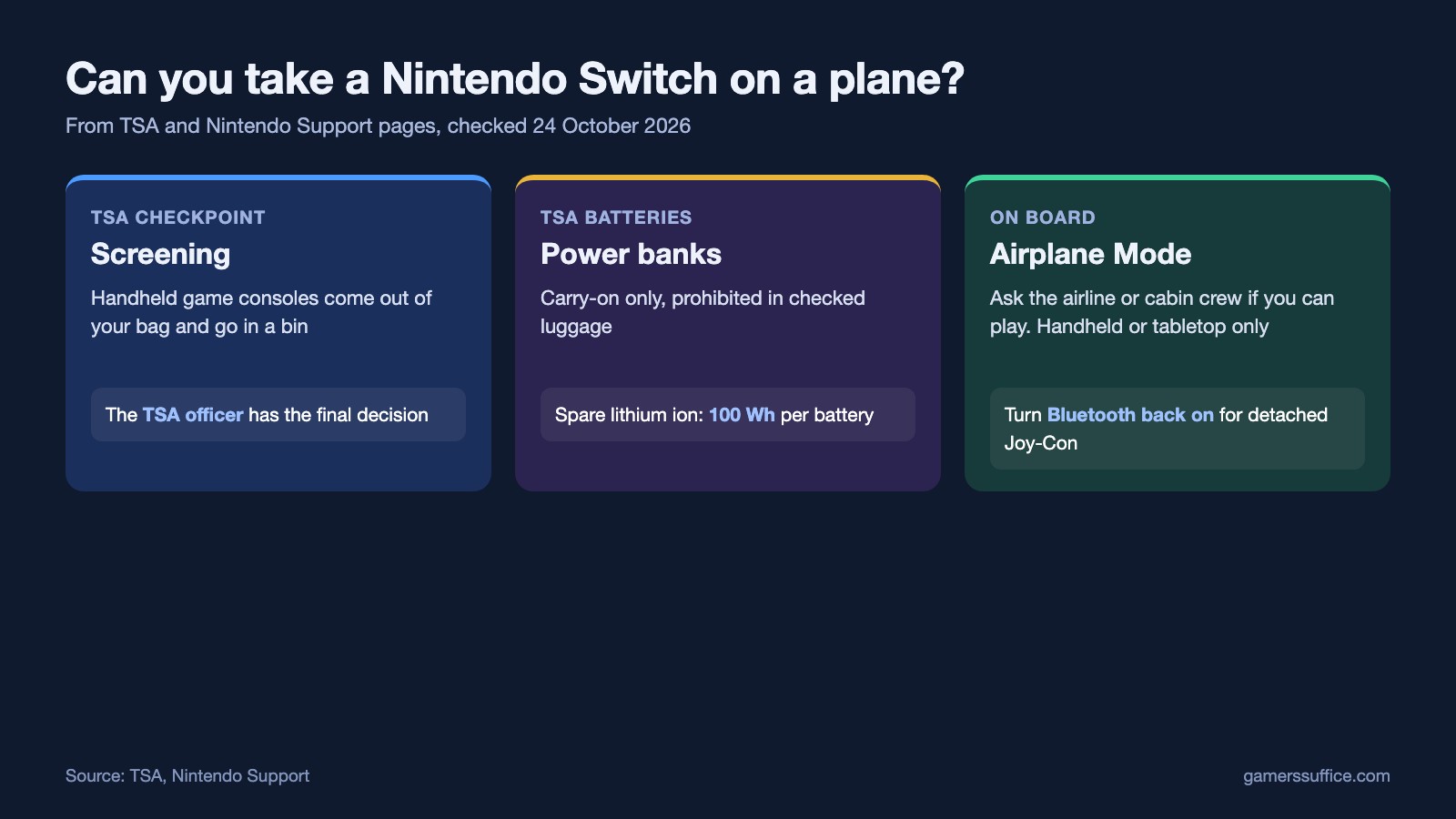
Yes, you can take a Nintendo Switch on a plane, and TSA names handheld game consoles directly in its screening rules. At the checkpoint, TSA says “You will be asked to remove personal electronic devices larger than a cell phone from your carry-on bag and place them into a bin with nothing placed on or under them for X-ray screening.” Its list of examples: “laptops, tablets, e-readers and handheld game consoles.”
Getting through security is only half of it. Whether you can play during the flight is the airline’s call, and on board you’ll want Airplane Mode set up so your Joy-Con still work. Here’s what TSA and Nintendo each say.
At airport security (TSA)
- Take the Switch out of your bag. It goes in its own bin for X-ray screening, as above.
- Power banks go in your carry-on. TSA says “Portable chargers or power banks containing a lithium ion battery must be packed in carry-on bags.” They’re prohibited in checked luggage.
- There’s a size limit on spare batteries. TSA says “Lithium ion (rechargeable) batteries are limited to a rating of 100 watt hours (Wh) per battery.”
- The officer decides. TSA adds: “The final decision rests with the TSA officer on whether an item is allowed through the checkpoint.”
One thing we haven’t covered: the battery built into the console. For lithium batteries installed in a device, TSA’s battery page refers you to FAA regulations, which we didn’t check for this guide. If you’re unsure, ask your airline.
Can you play it during the flight?
That’s up to the airline. Nintendo’s Switch 2 guide says “Restrictions vary depending on the type of aircraft, so check with the airline or cabin crew to confirm if you are able to use your Nintendo Switch 2 during the flight.” It also says usage may be restricted or prohibited based on the cabin crew’s instructions.
How to turn on Airplane Mode (Switch, Switch Lite, OLED)
- Select System Settings from the HOME Menu.
- From the options on the left, select Airplane Mode.
- Select Airplane Mode on the right and press A to turn it on. Press A again to turn it off.
The quicker way: press and hold the HOME Button for at least one second to open Quick Settings, then select Airplane Mode there.
Nintendo says “Airplane mode can be enabled in handheld mode or tabletop mode only. It cannot be used in TV mode.” Back home, here’s how to play a Nintendo Switch on a TV.
Keep the Joy-Con working in Airplane Mode
Nintendo says “All wireless communication, such as Wi-Fi and Bluetooth, will be turned off when Airplane Mode is activated.” That cuts off detached Joy-Con too, because “To use Joy-Con wirelessly, Bluetooth communication must be turned on.”
To fix it, turn Bluetooth back on while staying in Airplane Mode: go to System Settings > Airplane Mode > Controller Connection (Bluetooth), and enable Bluetooth communication.
On Nintendo Switch 2
Switch 2 gives you separate switches. Nintendo says to “Use the individual toggles to turn on/off Bluetooth, WiFi, or NFC.” If you don’t see them, Nintendo says to make sure you’re on the latest system version. Your choices are remembered: the wireless features you configured are retained the next time you use Airplane Mode.
To play in tabletop mode with the Joy-Con 2 detached, do this while the Joy-Con 2 are still attached: go to System Settings > Airplane Mode and toggle Bluetooth on. Nintendo says your Joy-Con 2 will then keep working when you detach them.
Before you fly
For how long a charge lasts on each model, see Nintendo’s battery life figures by model. If a Joy-Con still won’t respond with Bluetooth on, our guide to a Nintendo Switch controller that won’t connect has Nintendo’s pairing steps. To play with the person next to you, see how to play 2 player on Nintendo Switch. And if the Switch won’t find hotel Wi-Fi after you land, check Airplane Mode is off first, then work through our Nintendo Switch Wi-Fi fixes.
More Nintendo guides are in our Console section.
Sources
- TSA: Security Screening
- TSA: Power Banks
- TSA: Lithium batteries with 100 watt hours or less in a device
- Nintendo Support: How to Turn Airplane Mode On/Off on Nintendo Switch
- Nintendo Support: How to Turn Airplane Mode On or Off on Nintendo Switch 2
- Nintendo Support: Usage on Aircraft (Nintendo Switch 2)


