To add mods to The Sims 4, download the mod, unzip it if it’s a .zip or .rar file, move it into your Mods folder, then turn on Enable Custom Content and Mods in the game’s options and relaunch. EA’s help page says “No, Mods are only available for PC and Mac players; they can’t be downloaded on PlayStation® or Xbox.”
Here are EA’s steps, what EA says about the risk, and what changes each time the game updates.
How to install Sims 4 mods, EA’s steps
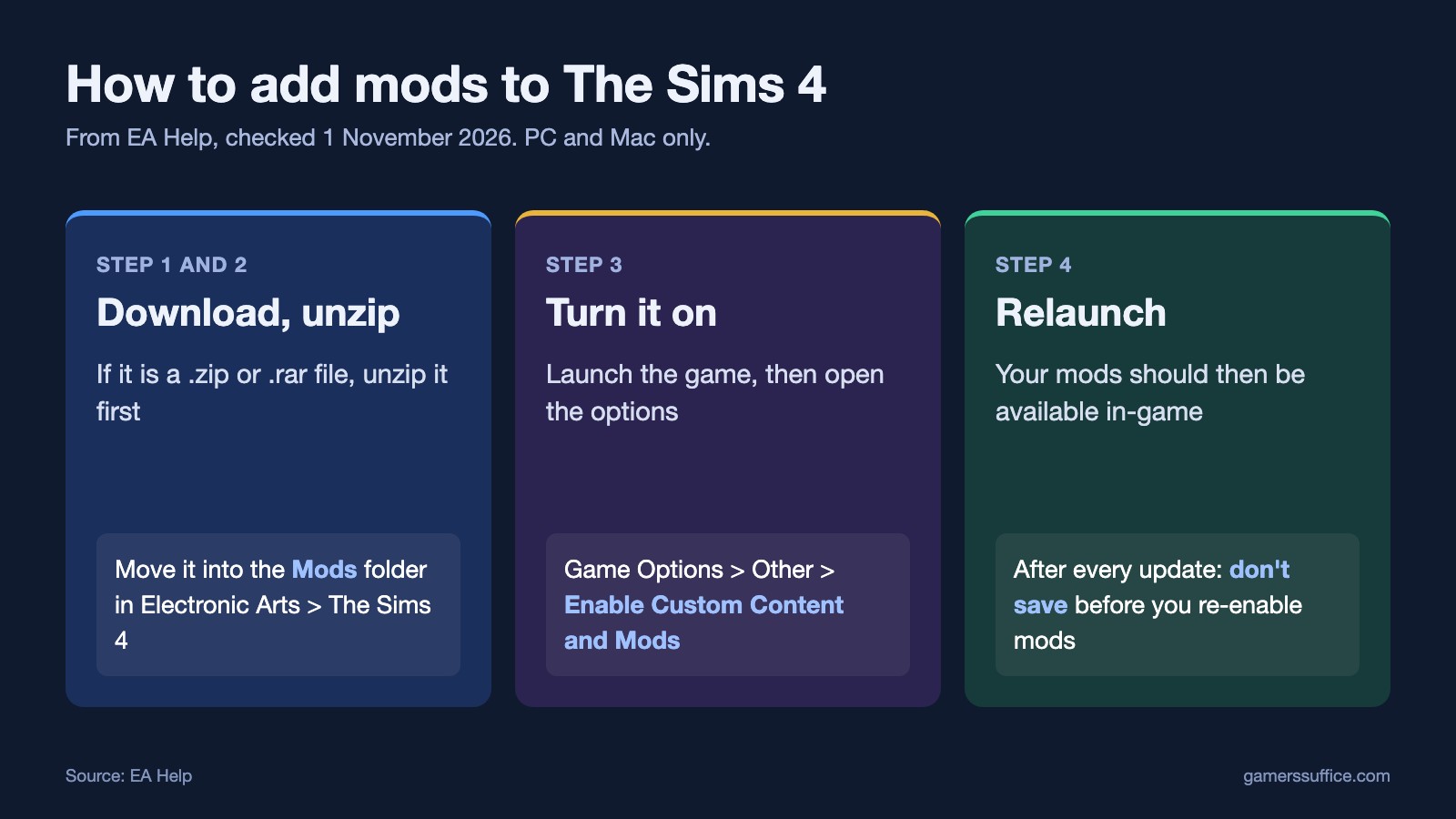
- Download the mod on your PC or Mac. EA’s wording on archives: “If it’s a .zip or .rar file, you’ll need to unzip it first.”
- Move the unzipped file into your Mods folder. To find it, EA says to “open the Electronic Arts folder on your device and select The Sims 4 folder.”
- No Mods folder? EA’s answer is simple: “If there isn’t a Mods folder here, you can create one.”
- Launch The Sims 4.
- Open Game Options and select Other.
- Make sure Enable Custom Content and Mods is checked.
- Relaunch the game. EA says “Relaunch The Sims 4 and your Mods should be available in-game!”
Custom Content and Game Mods are different
EA groups two things under “mods,” and it helps to know which one you’re adding when something breaks later:
- Custom Content: “This is the addition of player-made clothing or objects to the game like hair, clothing, or furniture.”
- Game Mods: “These add features or change the functionalities of the game.”
The risk, in EA’s words
EA doesn’t make these files and doesn’t check them. The company says they are “created by others in The Sims community, not by Maxis,” and “Maxis and EA don’t pre-screen, endorse, or support specific Mods or Custom Content.” Its advice is to “be careful to only download from a trusted source or creator.” EA’s page doesn’t name any sites, so neither do we.
What about “Script Mods Allowed”?
Many guides tell you to tick a second box called Script Mods Allowed. When we read both EA help pages on 1 November 2026, neither one mentioned it, so the steps above stop at the setting EA names. If a mod’s creator tells you it needs another setting, follow the creator’s page for that mod.
Why your mods switch off after an update
This is deliberate. EA says “By disabling Mods when we update, we try to limit any issues or problems with your gameplay.” So you’ll go through the same setting again after a patch.
There is one trap. EA warns: “If you select Save and Exit before re-enabling Custom Content and Mods, content may be removed from your saved game.” Don’t save first. Our guide to Sims 4 mods that stop working after an update has EA’s full order.
Older mods may also need reinstalling. EA says “A Mod may need to be fully reinstalled to be compatible with the latest game patch.”
If a mod causes problems
- Error code 110: EA says “This error code usually appears after a game update, and is caused by outdated Mods.”
- Odd visual glitches: EA’s example is a floating hat: “if your Sim’s hat is floating above them, it’s usually a sign that something’s wrong with that Custom Content item.”
- You don’t know which one: EA’s method is to “Remove all your Mods from the “Mods” folder and add them back in batches” until the problem returns.
More in our PC section, including how to use the debug cheats in The Sims 4.
Sources